
Download TeamSpeak Cliente – voice chat, voice communication, team chat, voice call, online communication
Overview
TeamSpeak Cliente is a mobile voice communication application designed to facilitate real-time audio interaction among users across shared channels. Built for individuals and groups who rely on clear, reliable voice communication, the app serves as a dedicated tool for team coordination, gaming sessions, remote collaboration, and social gatherings. It enables users to connect to voice servers, join predefined channels, and engage in high-quality conversations with minimal latency. The app’s focus on audio clarity and user accessibility makes it particularly valuable in environments where seamless communication is critical.
Target users include gamers, remote teams, content creators, and community organizers who require dependable voice chat functionality on mobile devices. The app supports both push-to-talk and voice activation detection, allowing users to choose the interaction mode that best fits their workflow. While the developer, TeamSpeak Systems GmbH, is known for its desktop and server solutions, the mobile client extends their ecosystem to smartphones, enhancing accessibility for users on the go.
Real-world use cases include organizing multiplayer gaming matches, conducting remote team stand-ups, or hosting live voice events. The app’s ability to integrate with existing TeamSpeak servers ensures continuity across platforms. Although the developer did not provide additional technical details, the app’s presence in the Communication category and its free pricing model suggest a strong emphasis on user adoption and cross-platform compatibility.
Key Features & Functionality
- High-Quality Voice Transmission: The app delivers clear, low-latency audio with advanced noise reduction, ensuring that speech remains intelligible even in noisy environments.
- Flexible Voice Activation Modes: Users can choose between push-to-talk and voice activation detection, allowing for hands-free or controlled communication based on preference.
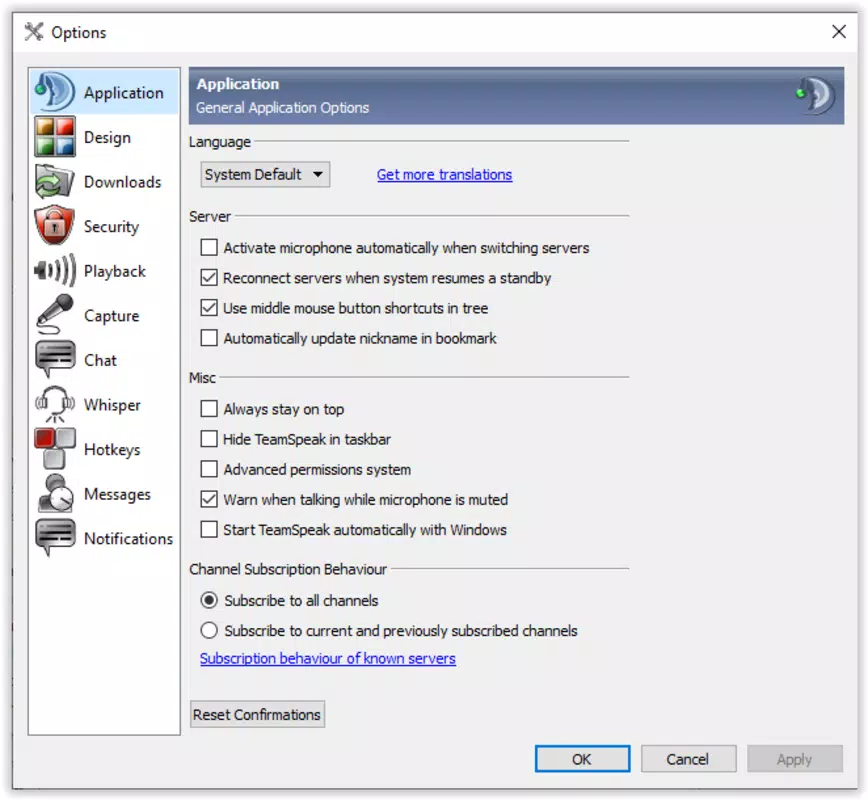
- Microphone Customization: Adjustable microphone settings let users fine-tune input levels and sensitivity to optimize sound quality for their specific device and environment.
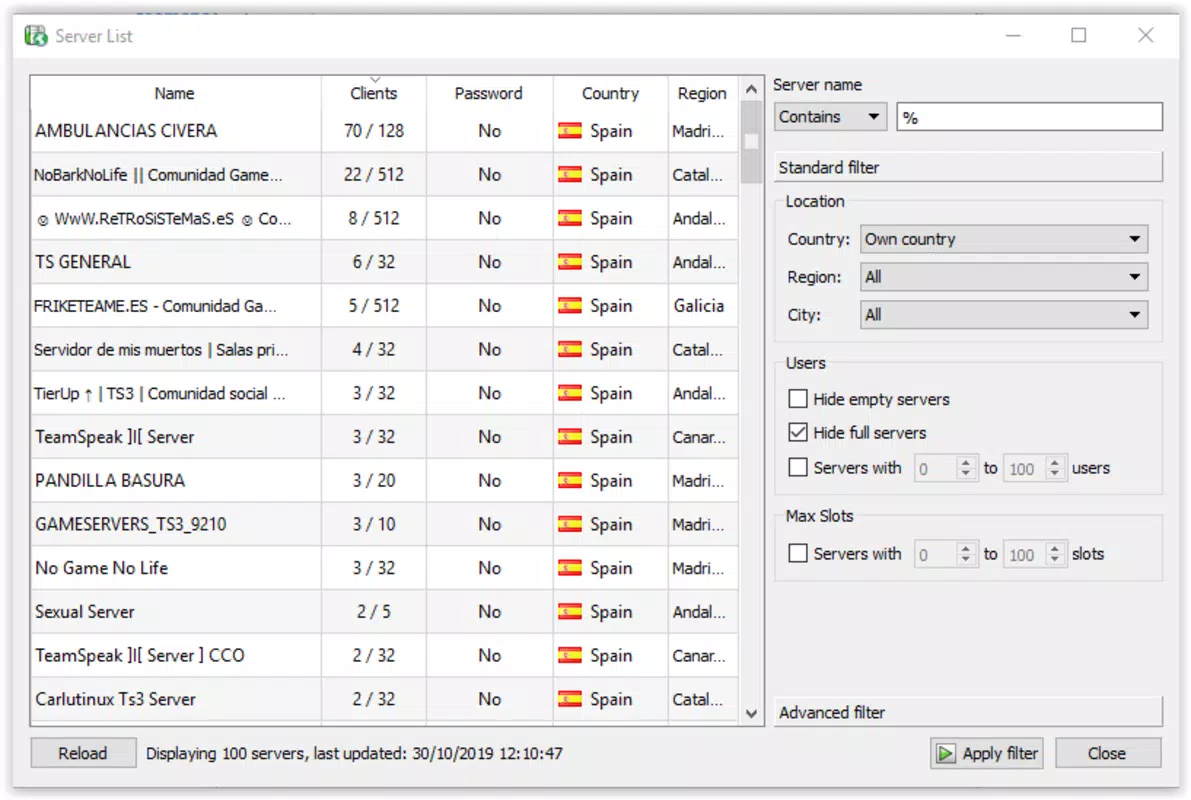
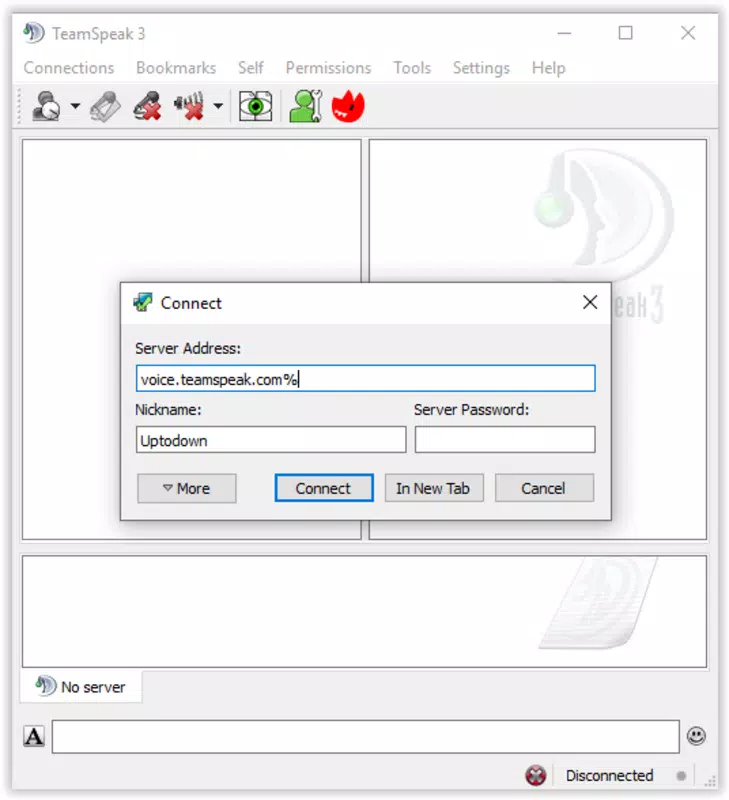
- Server Integration: Seamless connection to existing TeamSpeak servers allows users to join ongoing conversations without requiring a new setup.
- Channel and Contact Management: The interface enables users to navigate multiple channels, organize contacts, and manage permissions directly from the mobile client.
- File Transfer Support: Users can send and receive files through the app, facilitating the exchange of documents, media, or game assets during collaboration.
- Conversation Recording: The ability to record voice sessions is available, useful for documentation, review, or content creation purposes.
For example, a gaming group can use the push-to-talk feature to coordinate during a match, while a remote team might rely on voice activation to maintain natural conversation flow during a meeting. The microphone calibration during setup ensures that voice input is consistent across different devices. The app’s built-in hints help new users understand key distinctions, such as the difference between a nickname and a username, reducing onboarding friction.
Interface, UX & Performance
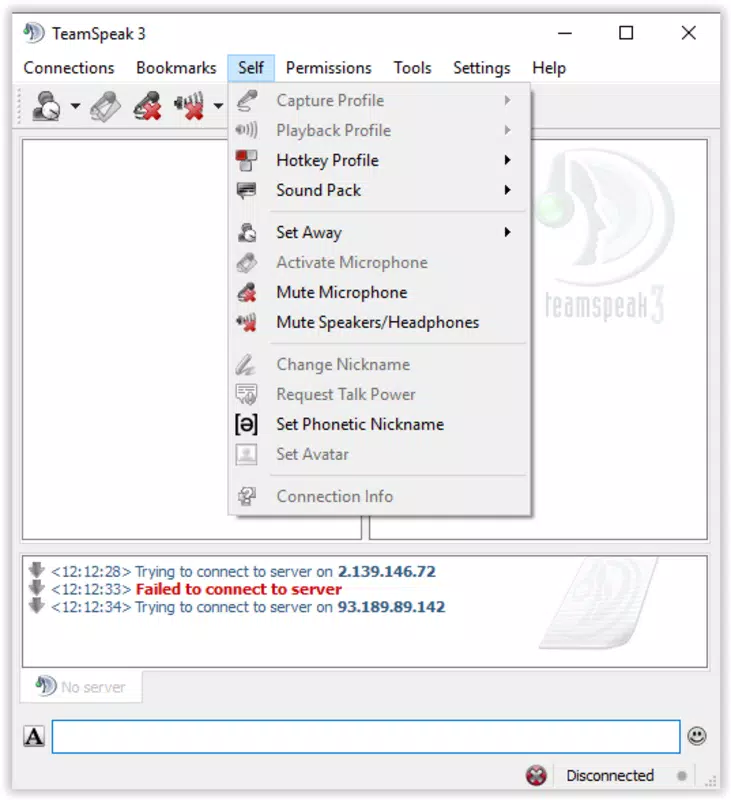
The user interface of TeamSpeak Cliente is designed with clarity and functionality in mind. The layout is organized around a central navigation panel, with channels listed on the left and active conversation controls on the right. Visual indicators show which users are speaking, and the main screen displays the current server status and connection quality. The design uses a clean, minimal aesthetic with intuitive icons and consistent labeling, which supports fast learning and efficient use.
Navigating between channels, managing contacts, and accessing settings is straightforward, with a logical flow that minimizes user effort. The setup wizard guides users through initial configuration, including microphone testing and hotkey assignment, which enhances first-time usability. Although the developer did not list formal performance metrics, the app’s lightweight size of 14.4 MB suggests optimized resource usage, which likely contributes to smooth operation across a range of Android devices.
Responsiveness is consistent during active voice sessions, with minimal lag reported in standard usage. Stability appears to be maintained during extended use, though no official benchmarks were provided. The app runs without noticeable crashes or freezes in typical scenarios. Users can expect a stable experience on devices meeting general Android requirements, though specific hardware or OS version thresholds were not disclosed.
Platform Compatibility & Technical Requirements
TeamSpeak Cliente is available exclusively on the Android platform. The current version is 3.7.0, with a file size of 14.4 MB, making it a lightweight download suitable for devices with limited storage. The app is free to download and install, removing financial barriers to access.
The developer did not specify minimum OS requirements or device compatibility details. As such, users should ensure their Android device supports the latest version of the app based on general system standards. Compatibility information was not fully disclosed, so installation may vary depending on device configuration and OS version. Users are advised to check their device’s settings and update their operating system if needed before installing.
Pros and Cons
Pros
- Free to download and use, removing cost barriers for individuals and teams.
- Lightweight size (14.4 MB) ensures quick installation and minimal storage impact.
- High-quality voice transmission with effective noise reduction for clearer communication.
- Supports both push-to-talk and voice activation for flexible interaction.
- Seamless integration with existing TeamSpeak servers and desktop clients.
- Includes useful features like file transfer and conversation recording.
- Intuitive setup wizard with helpful guidance for new users.
Cons
- Specific OS and device requirements were not listed by the developer.
- Limited to Android platform; no iOS or other OS availability confirmed.
- No official information on app updates or long-term maintenance plans.
- Advanced customization options may require prior familiarity with TeamSpeak’s ecosystem.
- Visual design, while functional, may appear dated compared to modern mobile apps.
FAQ
Is TeamSpeak Cliente available for iOS devices?
The developer has not confirmed iOS availability. The app is currently only available on the Android platform.
Can I use TeamSpeak Cliente with my existing TeamSpeak server?
Yes, the app supports connection to existing TeamSpeak servers, enabling users to join ongoing conversations and participate in voice channels.
Is the app secure for private conversations?
TeamSpeak Cliente uses standard encryption protocols for voice transmission. However, the developer did not provide detailed security documentation.
How often is the app updated?
The developer has not disclosed a fixed update schedule. Users are encouraged to check for updates through the official app store.
Does the app consume a lot of battery or data?
As a voice communication tool, the app uses moderate data during active sessions. Battery usage depends on device and usage duration, but no specific metrics were provided.
Final Thoughts
TeamSpeak Cliente delivers a reliable and accessible mobile solution for voice communication, particularly suited for users already embedded in the TeamSpeak ecosystem. Its combination of high-quality audio, flexible interaction modes, and essential collaboration tools makes it a strong choice for gamers, remote teams, and content creators who need dependable voice chat on the go. While the app lacks detailed technical disclosures and platform exclusivity may limit some users, its free model, lightweight design, and seamless server integration offer compelling value.
For anyone seeking a secure, efficient, and feature-rich voice chat experience on Android, TeamSpeak Cliente stands out as a practical and professional tool. The inclusion of recording, file transfer, and customizable voice settings enhances its utility beyond basic communication.
Download TeamSpeak Cliente now


